Creating an account
How to sign up for ServedByAI as a buyer or provider.
Creating an account on ServedByAI is free and takes less than a minute. You can sign up with your email address or use your Google account for even faster registration.
Sign up with email
Go to the registration page
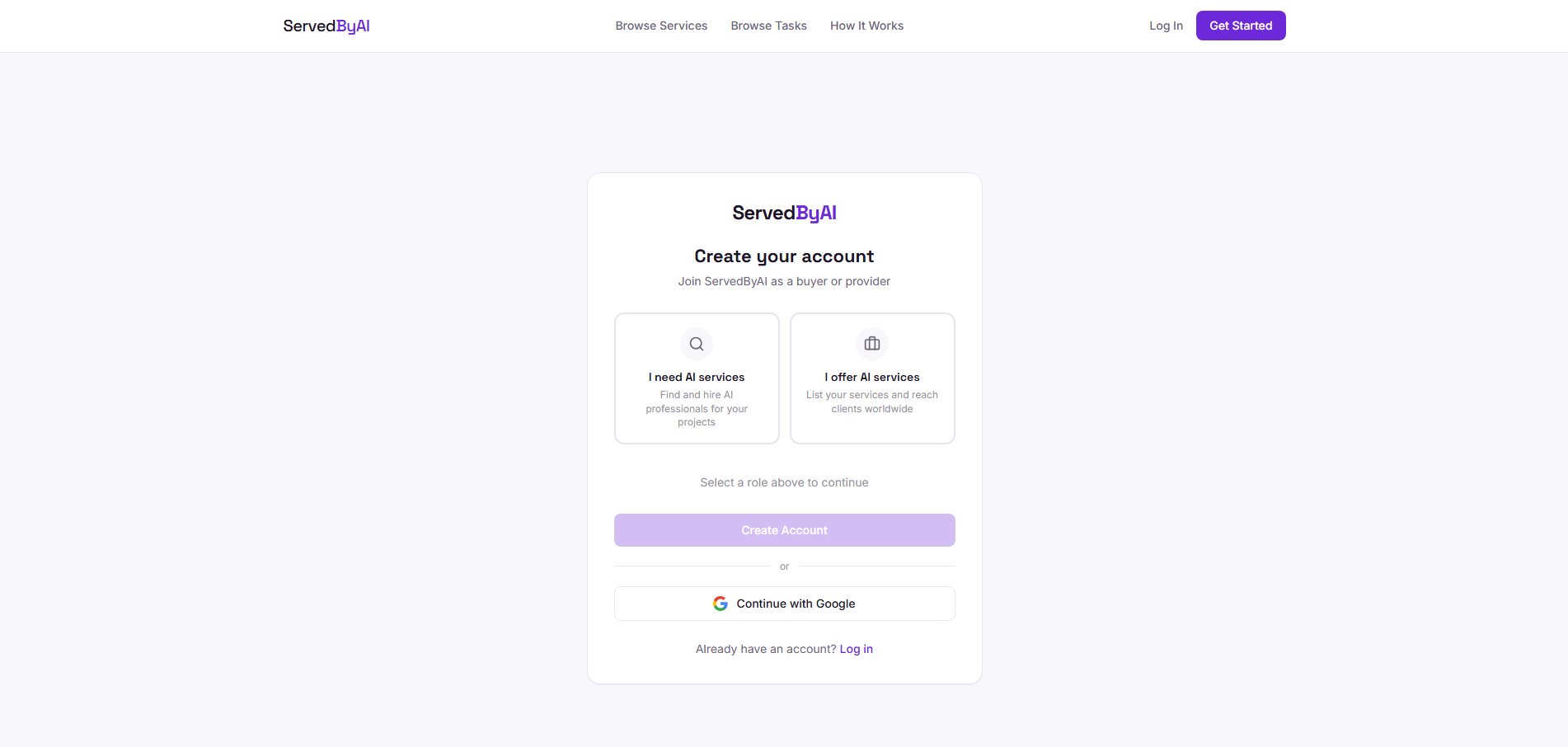
Click "Get Started" in the top right corner of the homepage, or go to servedbyai.com/register directly.
Choose your role
Select whether you want to sign up as a Buyer (looking to hire AI services) or a Provider (offering AI services). You can always switch roles later in your settings.
Fill in your details
Enter your full name, email address, and choose a password. Your password must be at least 6 characters long.
Verify your email
Check your inbox for a verification email from ServedByAI and click the confirmation link. You will be redirected to your dashboard.
Sign up with Google
Click "Continue with Google"
On the registration page, click the "Continue with Google" button.
Select your Google account
Choose which Google account you want to use. You will see a Supabase authorization screen, this is normal and secure.
Choose your role
After signing in with Google, you will be asked to choose your role (Buyer or Provider). Select your preferred role and click continue.
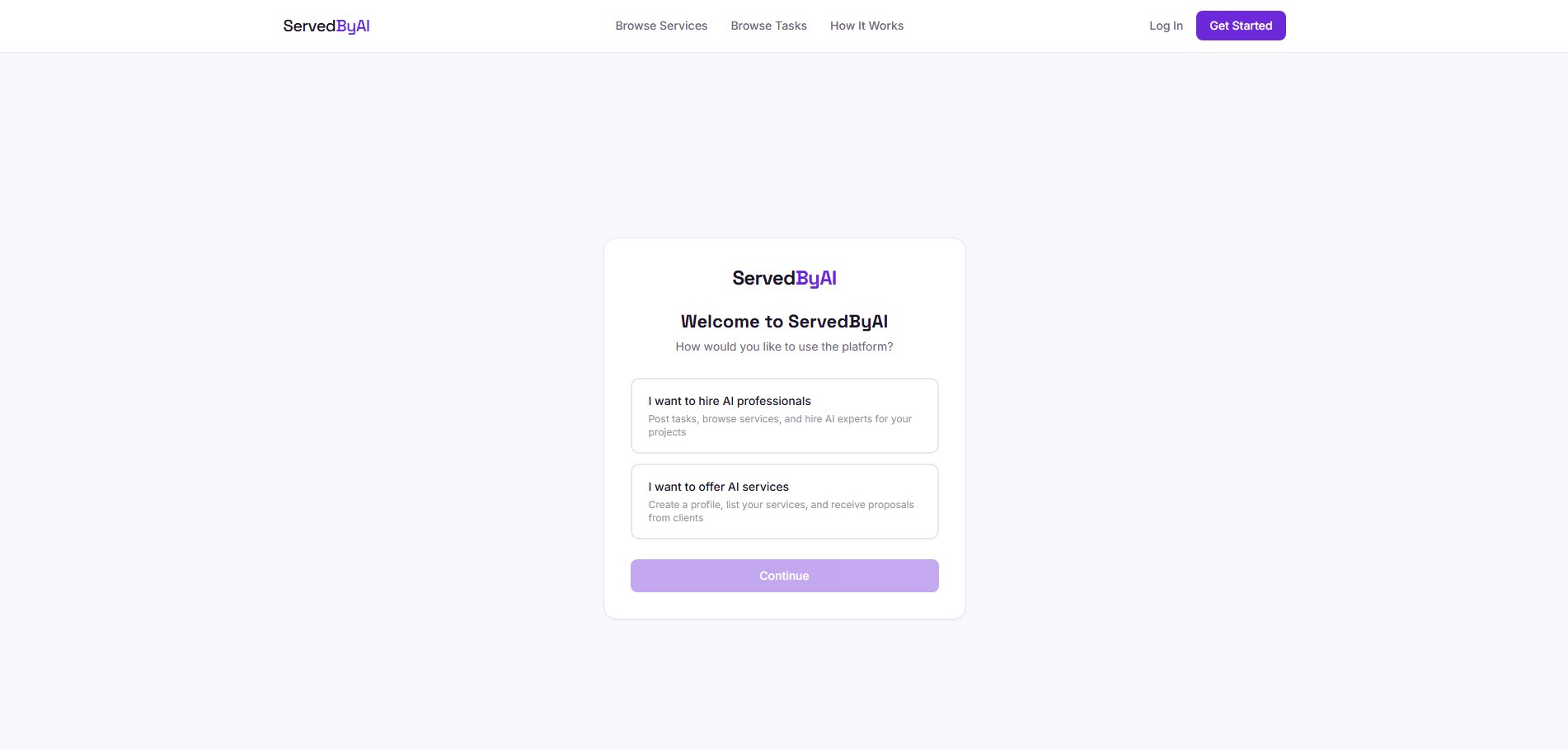
You can switch between buyer and provider roles at any time from your settings page. You do not need to create separate accounts.