Changing your password
How to change your password or reset a forgotten password.
You can change your password from your Settings page, or reset it if you have forgotten it.
Change password from Settings
1
Go to Settings
Click "Settings" in your dashboard sidebar.
2
Find the Password section
Scroll down to the "Change Password" section.
3
Enter your new password
Type your new password (minimum 6 characters) and click "Update Password".
Reset a forgotten password
1
Go to the login page
Click "Log In" in the top navigation.
2
Click "Forgot password?"
Below the login form, click the "Forgot password?" link.
3
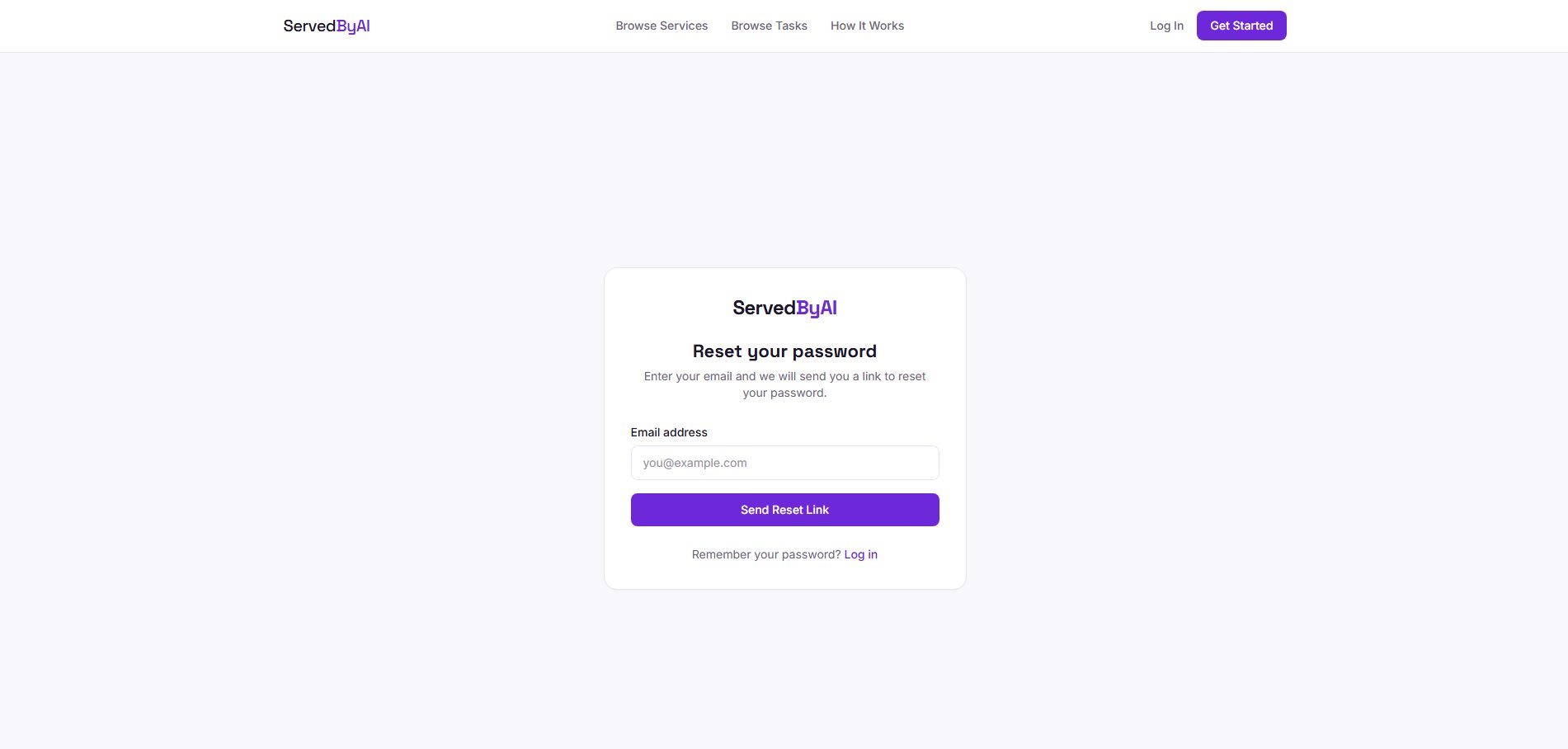
Enter your email
Type the email address associated with your account and click "Send Reset Link".
4
Check your email
You will receive an email from ServedByAI with a password reset link. Click the link to set a new password.
5
Set your new password
Enter your new password and confirm it. You will be logged in automatically.