Switching between buyer and provider
How to switch between buyer and provider roles.
You do not need separate accounts to be both a buyer and a provider on ServedByAI. You can switch between roles from your Settings page.
How to switch roles
1
Go to Settings
Click "Settings" in your dashboard sidebar.
2
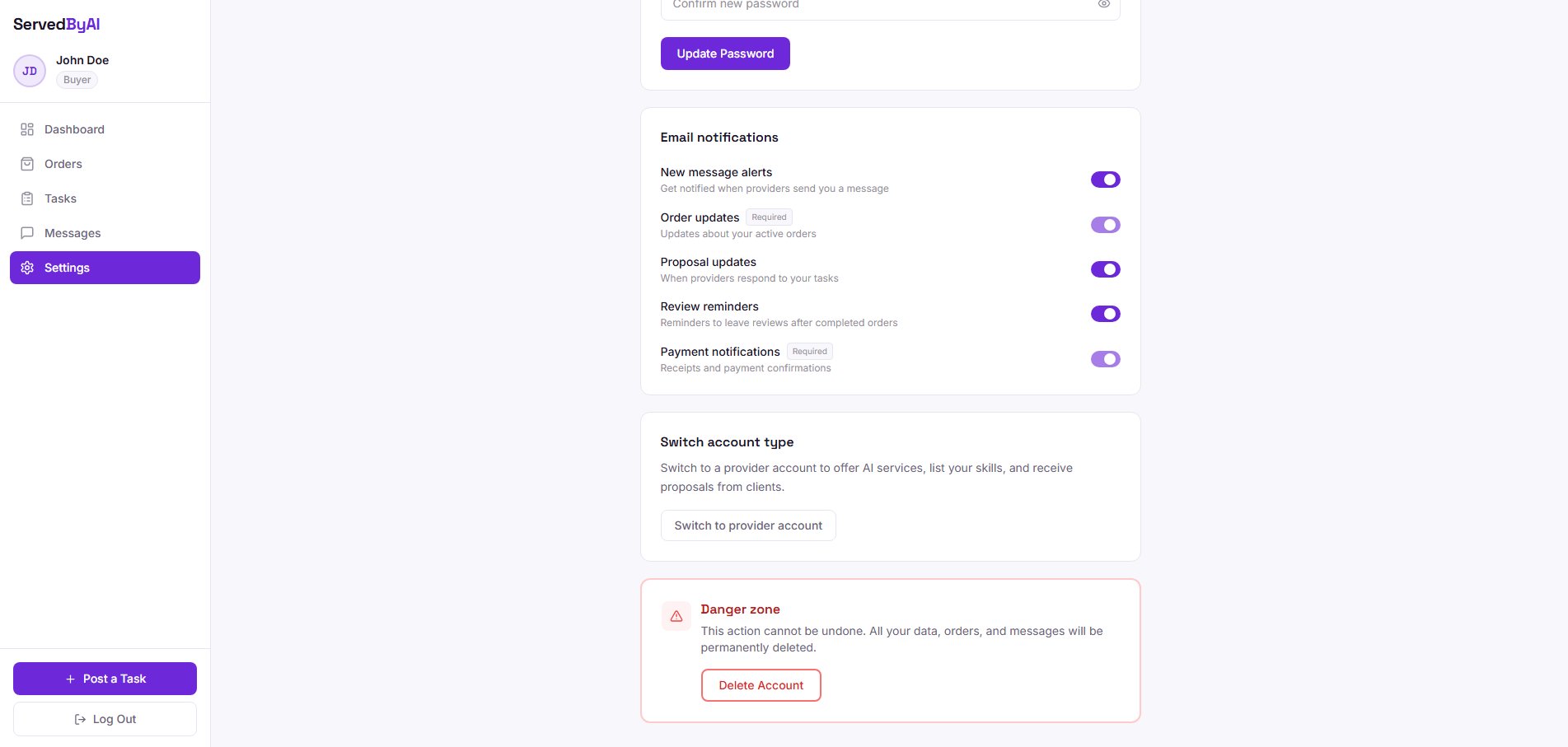
Find the Role section
Scroll down to the "Switch Role" section.
3
Click "Switch to Provider" or "Switch to Buyer"
Click the button to switch to the other role. You will be redirected to the appropriate dashboard.
When you switch roles, your data for both roles is preserved. So if you switch from provider to buyer and back, all your services, proposals, and settings will still be there.
Switching roles is instant and you can do it as many times as you like. This is useful if you both offer AI services and need to hire AI help for your own projects.