Updating your profile
How to update your name, email, and account details.
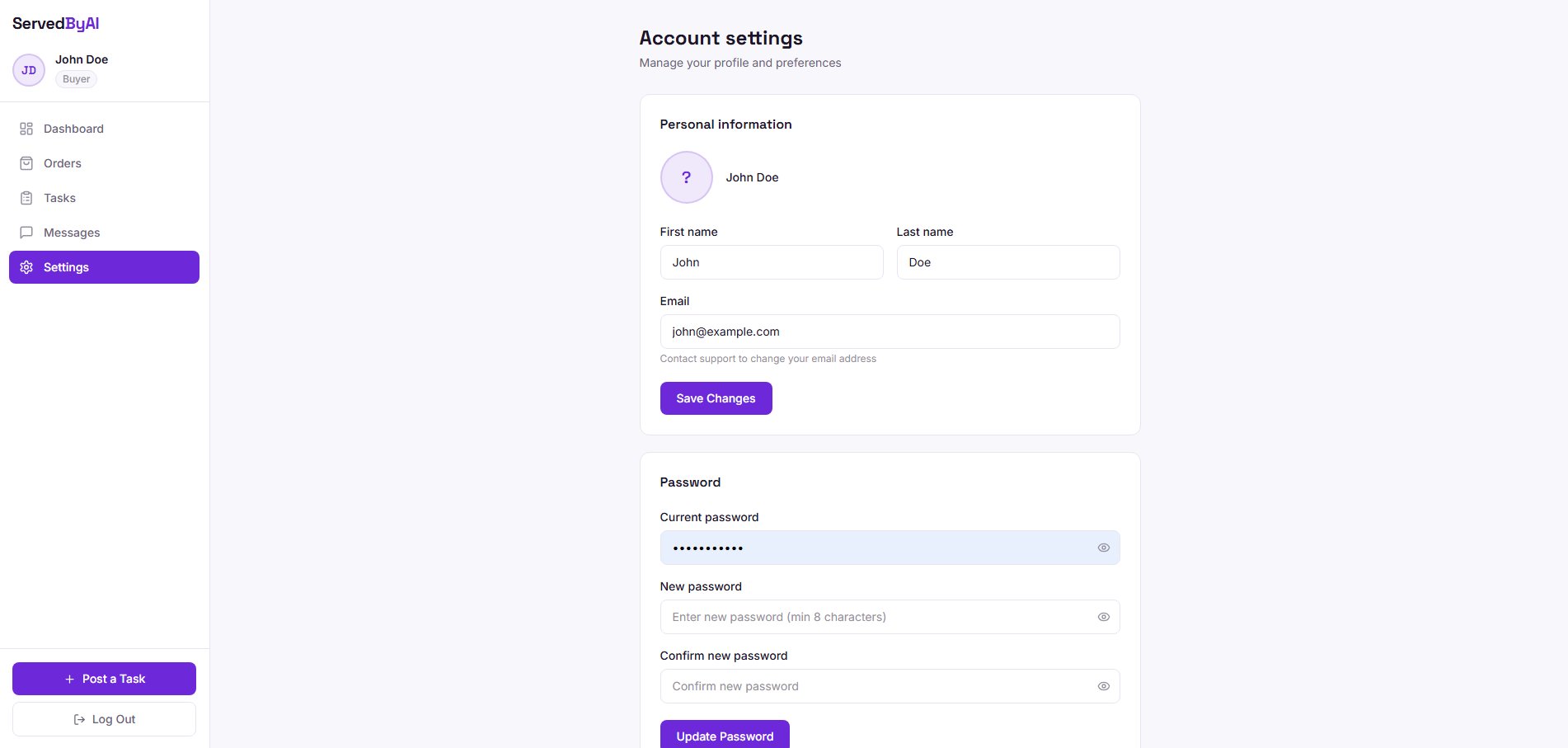
You can update your account information at any time from the Settings page. Go to Settings in your dashboard sidebar to access your account preferences.
What you can update
- Full name: update the name displayed on your profile and in communications
- Email address: change the email associated with your account
- Password: set a new password for your account
Changes are saved immediately when you click the update button for each section.