Browsing services
How to find and explore AI services on the marketplace.
ServedByAI offers a wide range of AI services across six categories. You can browse services without creating an account, but you will need to sign in to contact providers or place orders.
Browse by category
Go to Browse Services
Click "Browse Services" in the top navigation bar to see all available service categories.
Select a category
Click on any category card to see all services within that category. Each category page shows a list of available services with pricing, delivery times, and provider ratings.
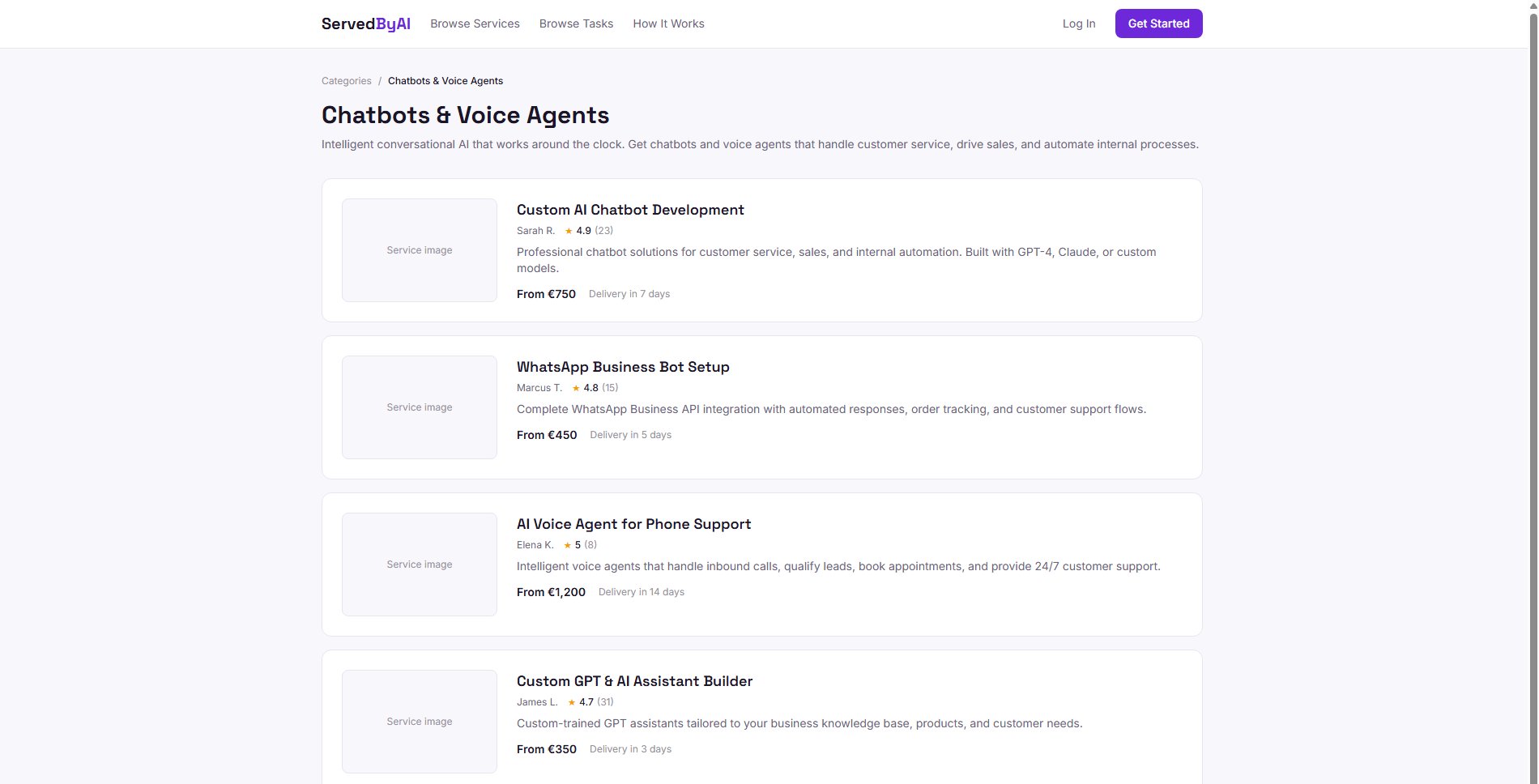
View service details
Click on any service to see the full details, including description, pricing tiers, delivery timeline, provider information, and reviews.
Service detail page
Each service listing includes:
- A detailed description of what the service includes
- Pricing tiers (Basic, Standard, Premium) with different deliverables
- Estimated delivery time
- Provider profile with bio, skills, and ratings
- Portfolio images showing previous work
- Client reviews and ratings
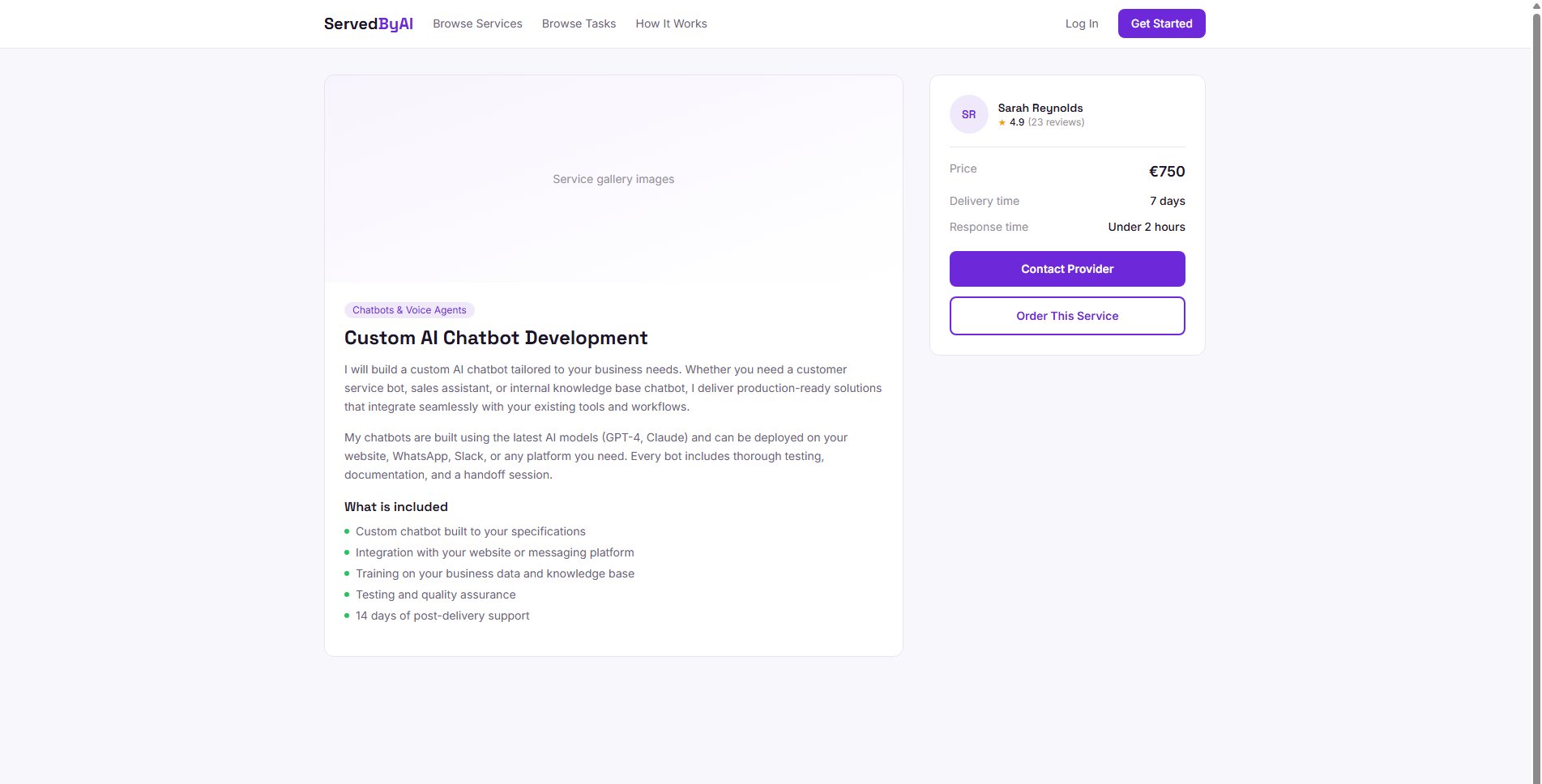
Use the "Contact Provider" button on any service page to ask questions before committing to an order. Providers typically respond within 24 hours.