Posting a task
How to post a task and receive proposals from AI providers.
If you know what you need but want providers to come to you, posting a task is the way to go. Describe your project, set your budget and timeline, and qualified providers will submit proposals.
How to post a task
Go to your Tasks page
From your buyer dashboard, click "Tasks" in the sidebar, then click "Post New Task".
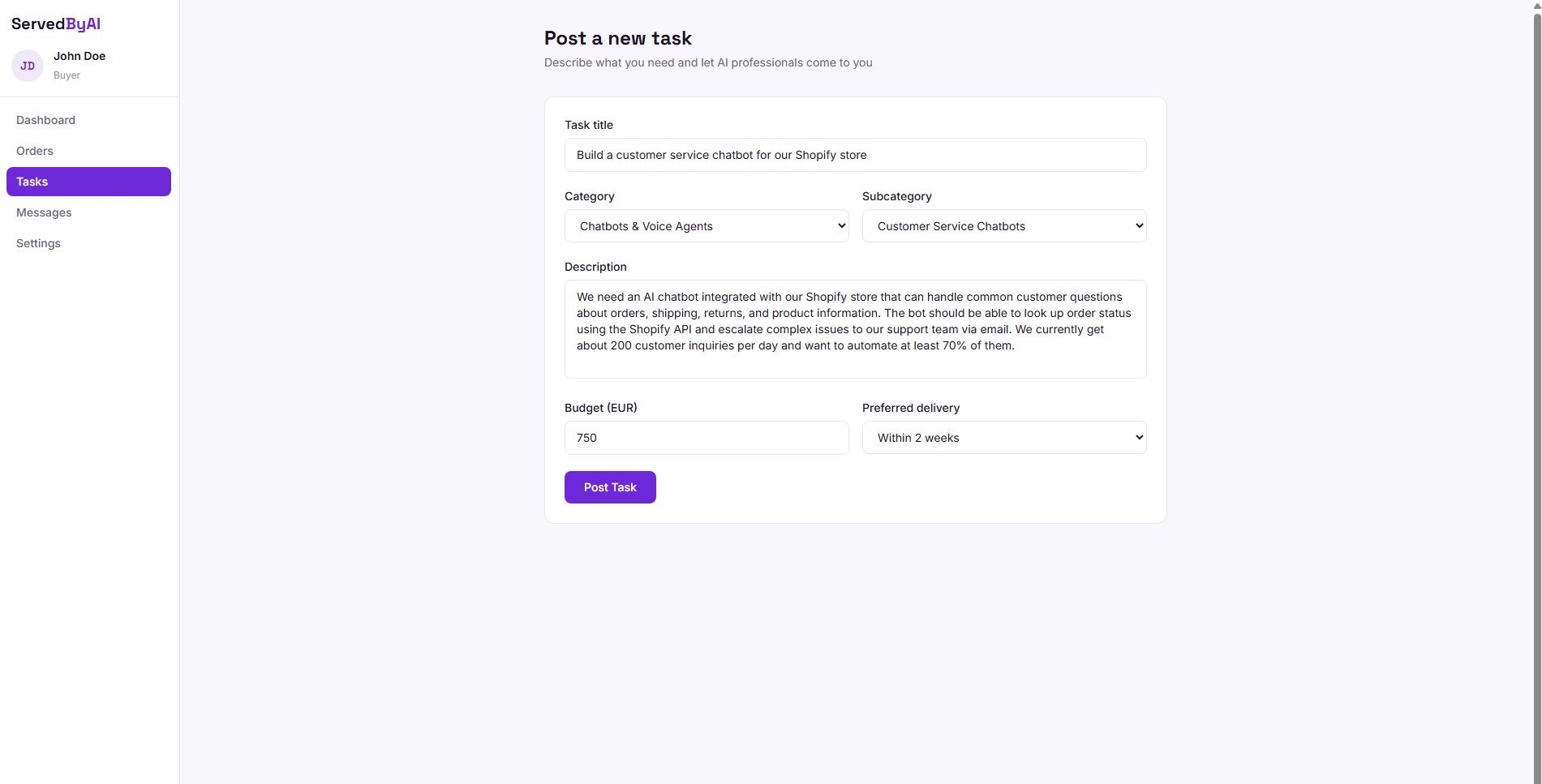
Fill in the task details
Enter a clear title that describes what you need. Choose the most relevant category and subcategory. Write a detailed description of your requirements, including any specific tools, technologies, or deliverables you expect.
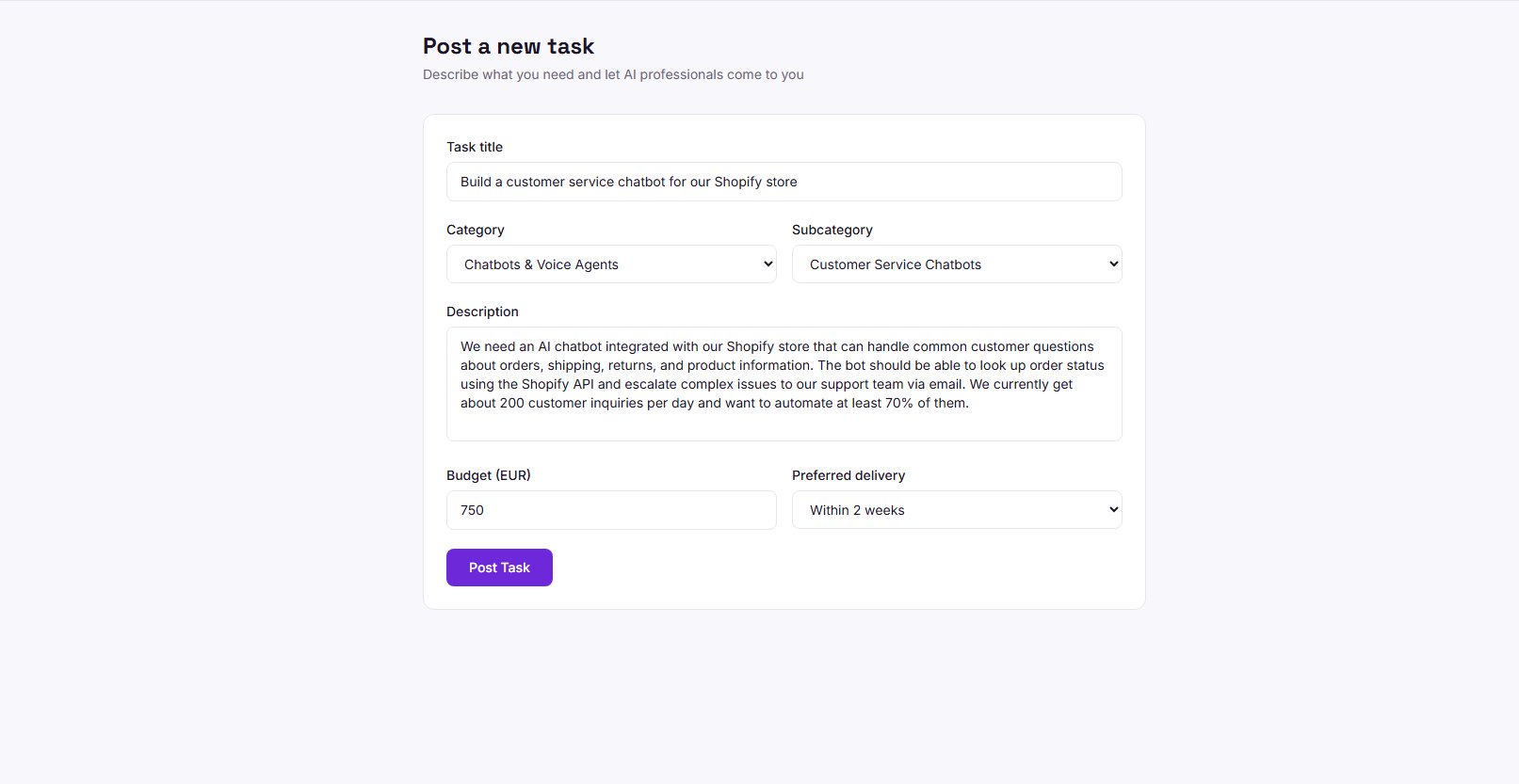
Set your budget and timeline
Enter your budget range and select your preferred delivery timeline. Being realistic with your budget helps attract quality providers.
Submit your task
Click "Post Task" to publish it. Your task will appear on the public task board where providers can see it and submit proposals.
Tips for a great task post
- Be specific about deliverables: instead of "I need AI help", say "I need a customer service chatbot integrated with my Shopify store"
- Include your current tech stack or tools if relevant
- Mention your timeline and any hard deadlines
- Set a realistic budget based on the complexity of the work
- Respond promptly to proposals to keep providers engaged
Tasks with detailed descriptions and realistic budgets receive 3x more proposals on average.