Finding and bidding on tasks
How to find relevant tasks and submit compelling proposals.
The task board is where buyers post projects they need help with. As a provider, you can browse tasks and submit proposals for the ones that match your skills.
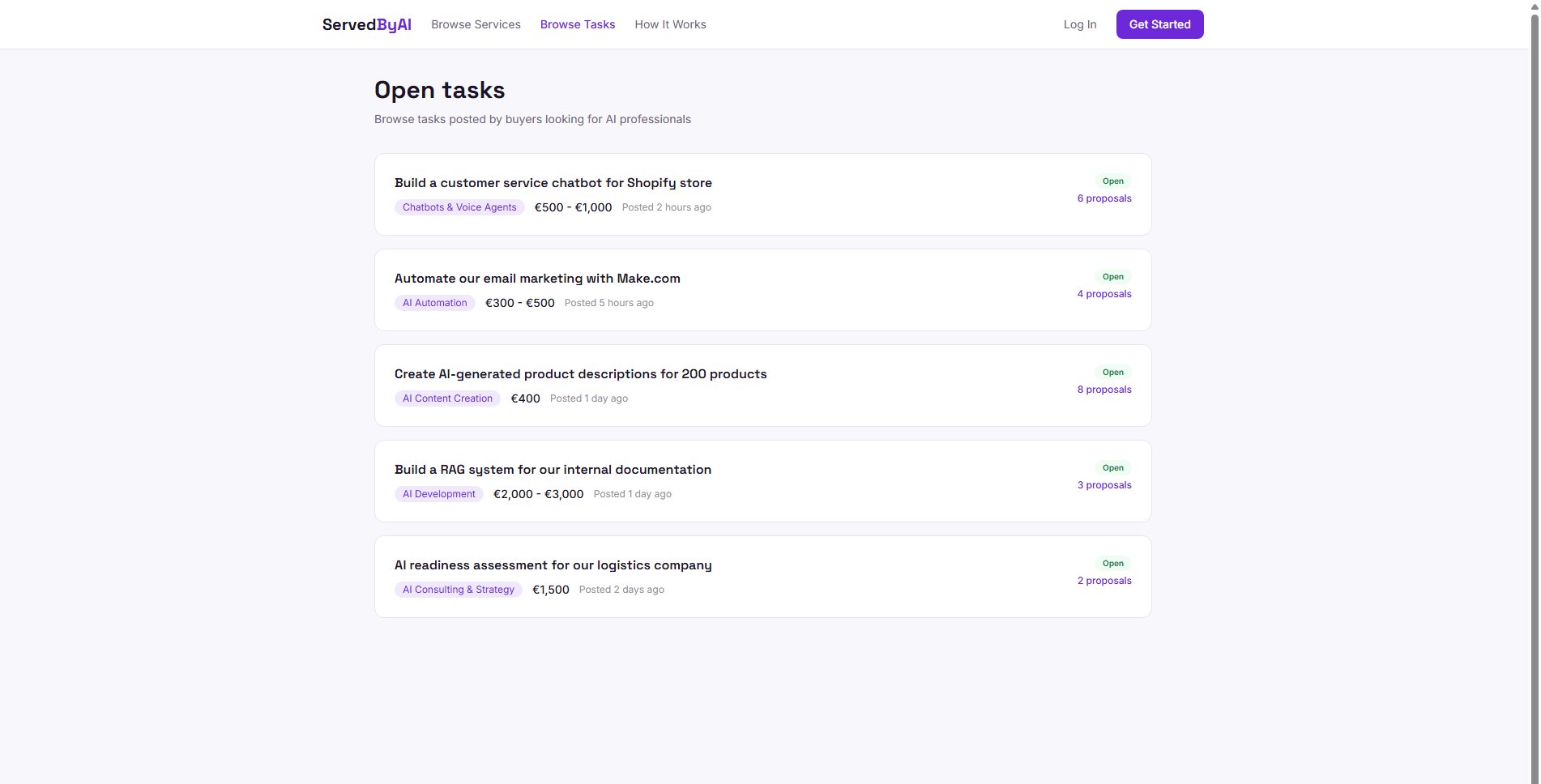
Browsing the task board
Click "Browse Tasks" in the top navigation to see all open tasks. Each task shows the title, description, category, budget, and timeline.
Submitting a proposal
Click on a task
Open the task detail page to read the full description and requirements.
Write your proposal
Scroll down to the proposal form. Write a personalized message explaining your approach, relevant experience, and why you are the right fit for this task.
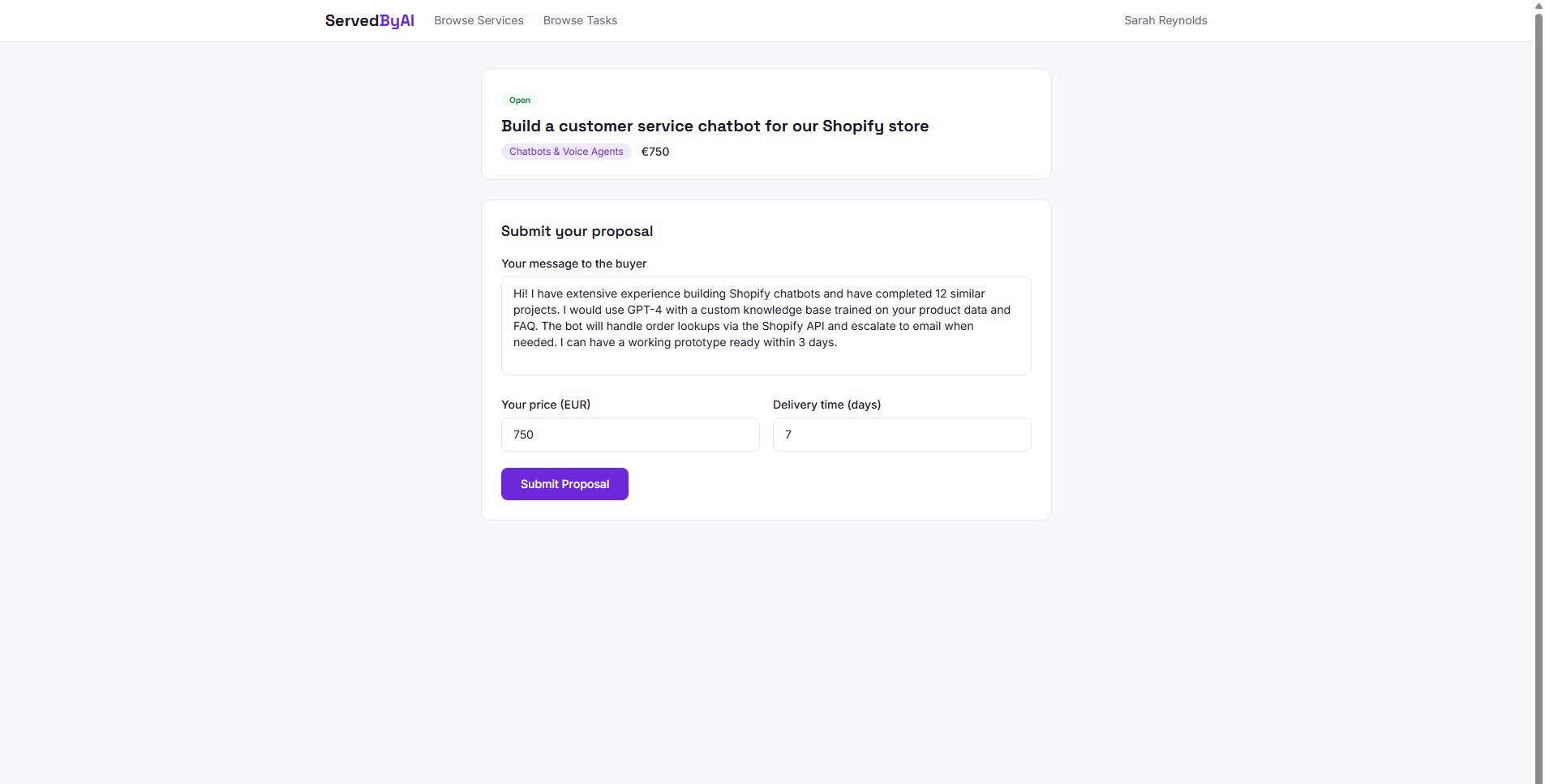
Set your price and timeline
Enter your proposed price and estimated delivery time. You can price differently from the buyer's budget if you can justify it.
Submit
Click "Submit Proposal" to send it to the buyer. They will be notified and can review it from their task page.
Tips for winning proposals
- Personalize every proposal, do not copy-paste generic messages
- Reference specific requirements from the task description
- Explain your approach and methodology
- Include relevant examples of similar work you have done
- Be realistic with timelines, overpromising leads to bad reviews
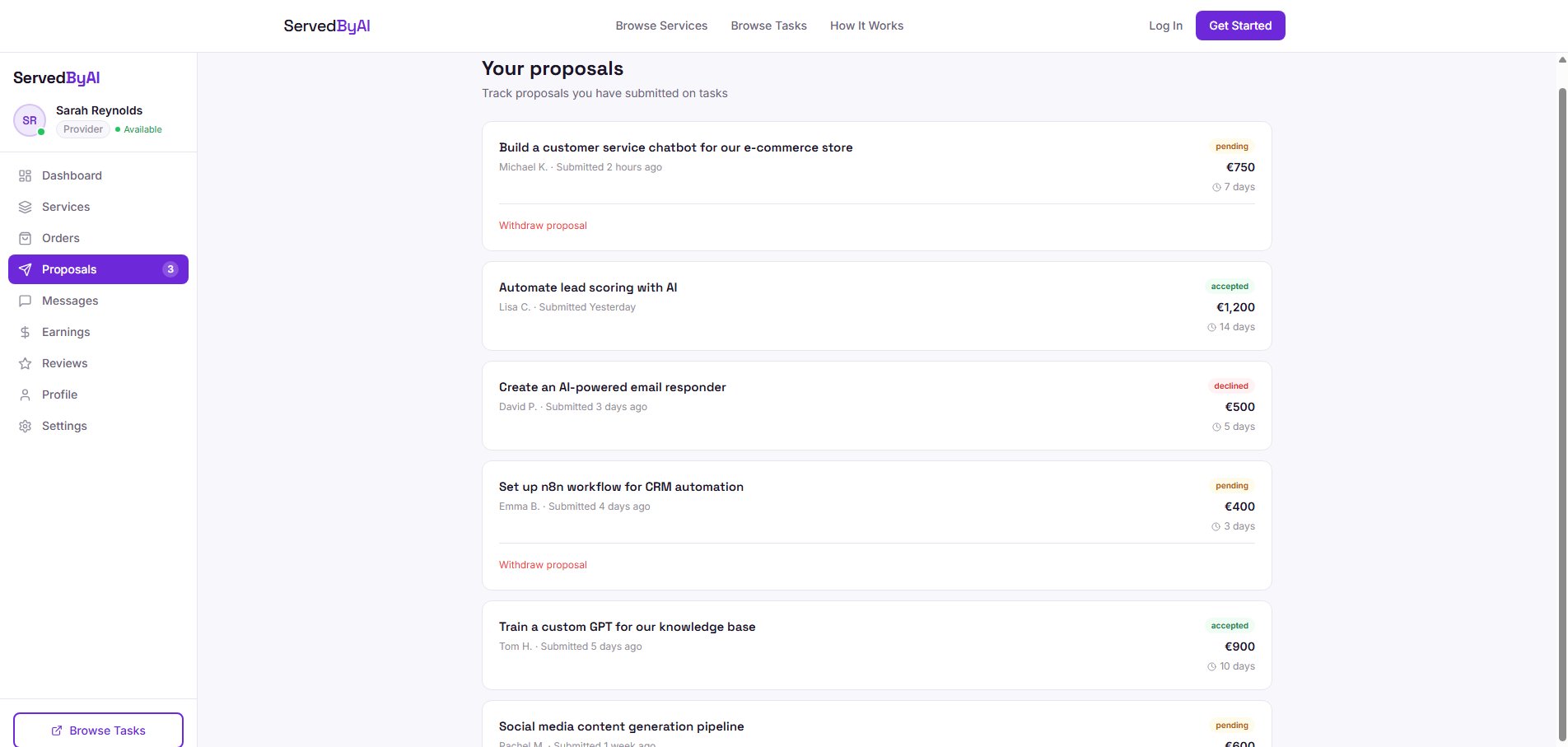
Managing your proposals
Track all your submitted proposals from the "Proposals" page in your provider sidebar. You can see the status of each proposal (pending, accepted, or declined) and withdraw pending proposals if needed.